How to create a group
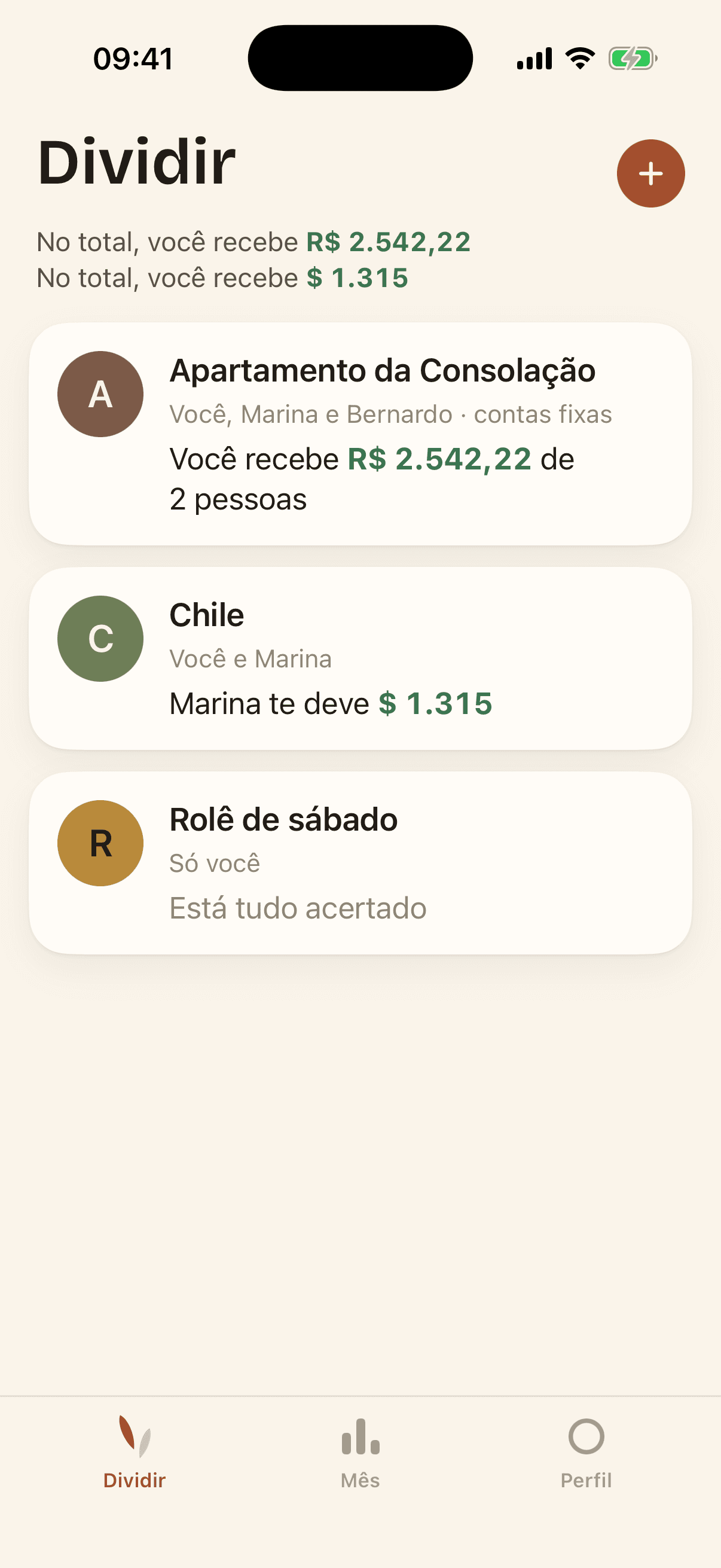
In the Split tab, tap the + button next to the title. Give the group a name and choose whether it is a household or a trip — the difference is only the label; the bills work the same either way.
As soon as the group exists, it already has a six-letter code for you to pass on to the other people.