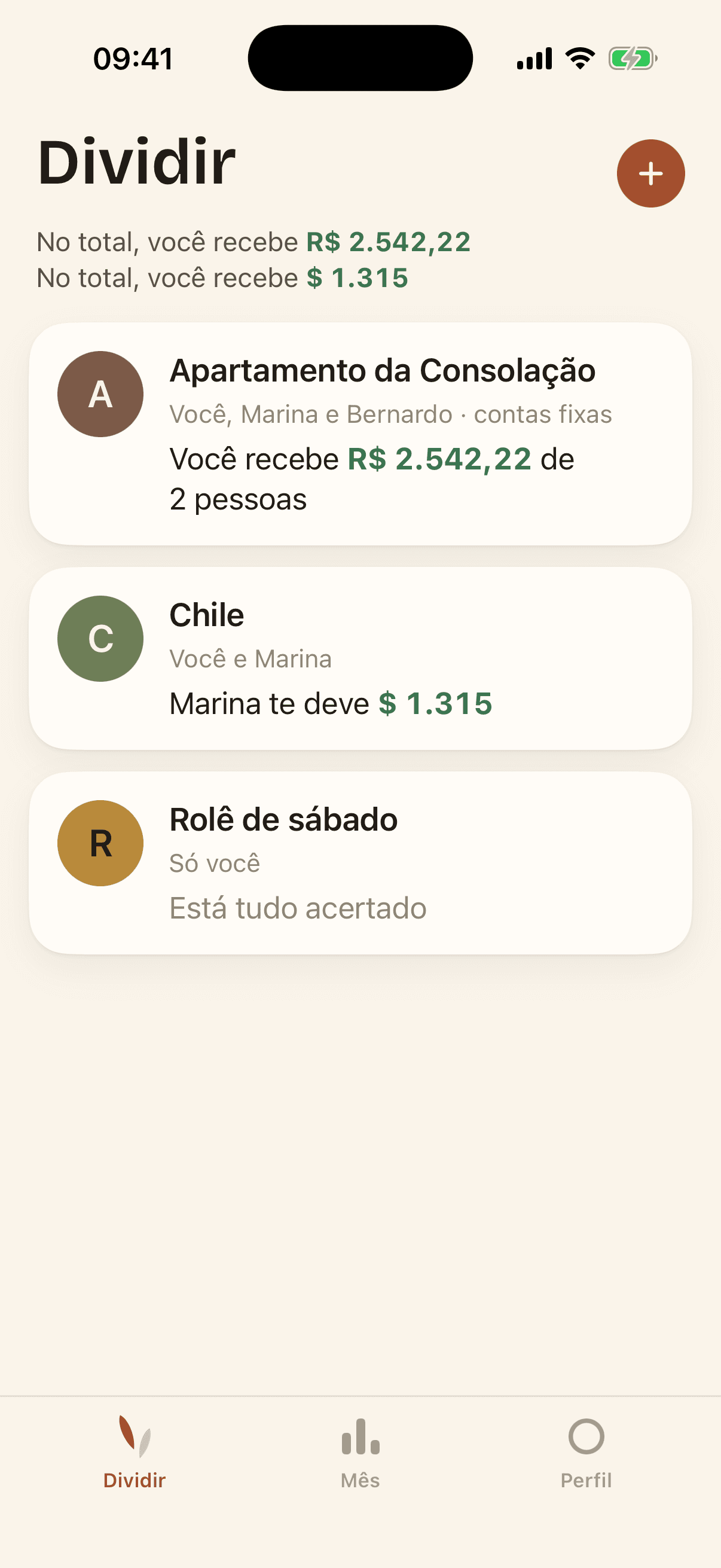
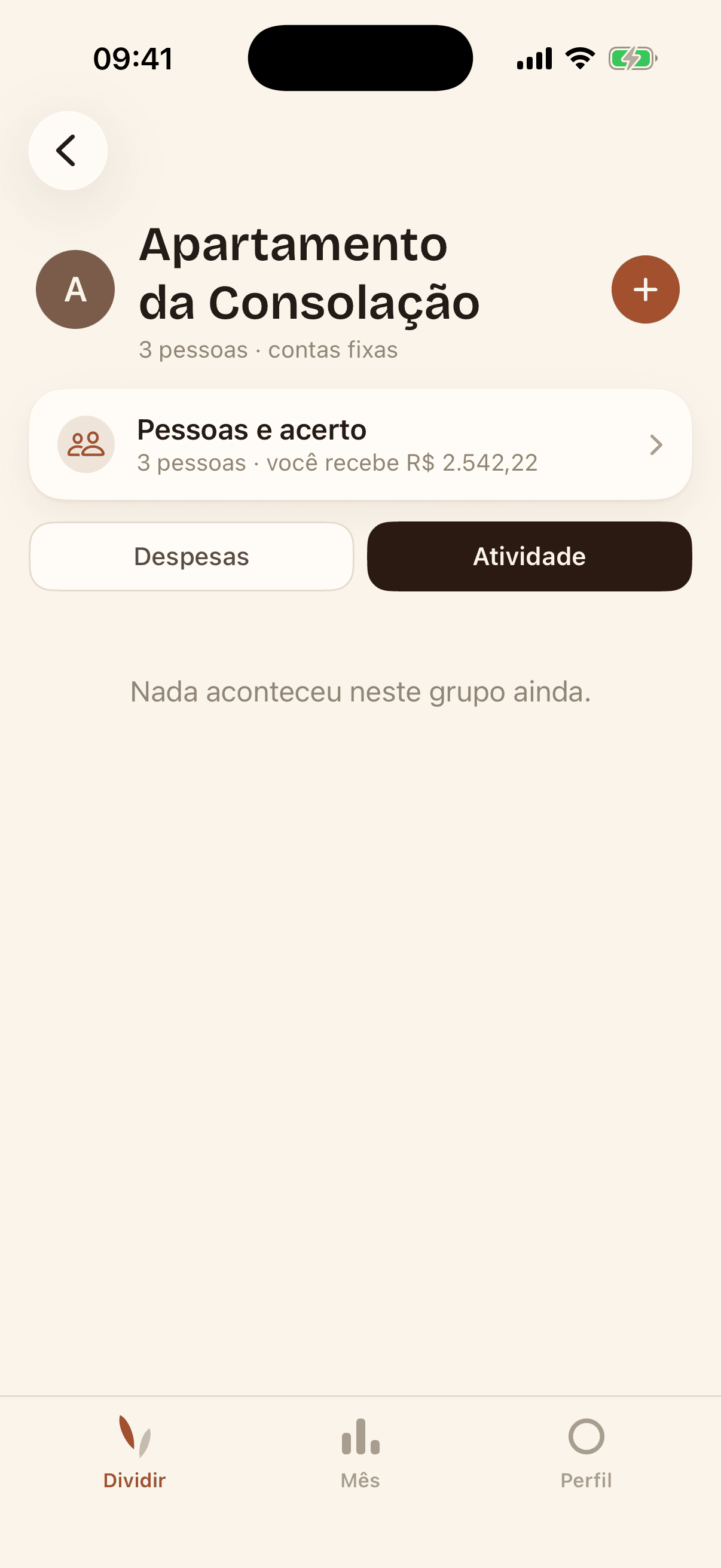
The app keeps the numbers so nobody has to say them out loud.
Household and trip
A household group is for people who live together and pay the same bills every month. A trip group lasts a few days, gathers lots of expenses and settles everything at the end.
In practice the bills work the same way in both. The type only changes the label.
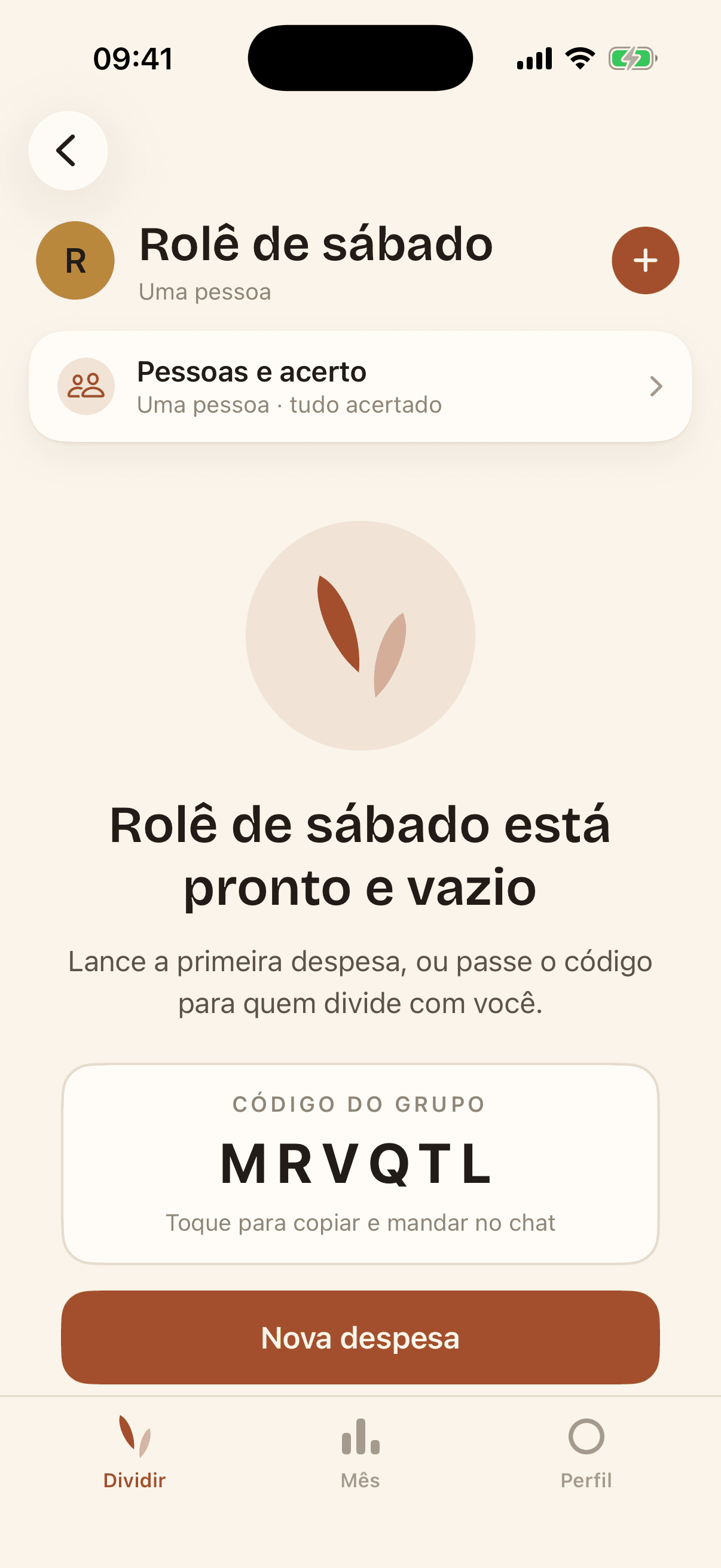
Every group starts with a six-letter code. Whoever gets the code types it into the app and joins. Nobody has to hand over anyone else's email.
You can add someone by name alone, before they install the app. When they join with the code and the same name, they take over that spot along with the expenses that were already theirs.
A brand-new group, with the code and the option to add someone by name.
Shares by income
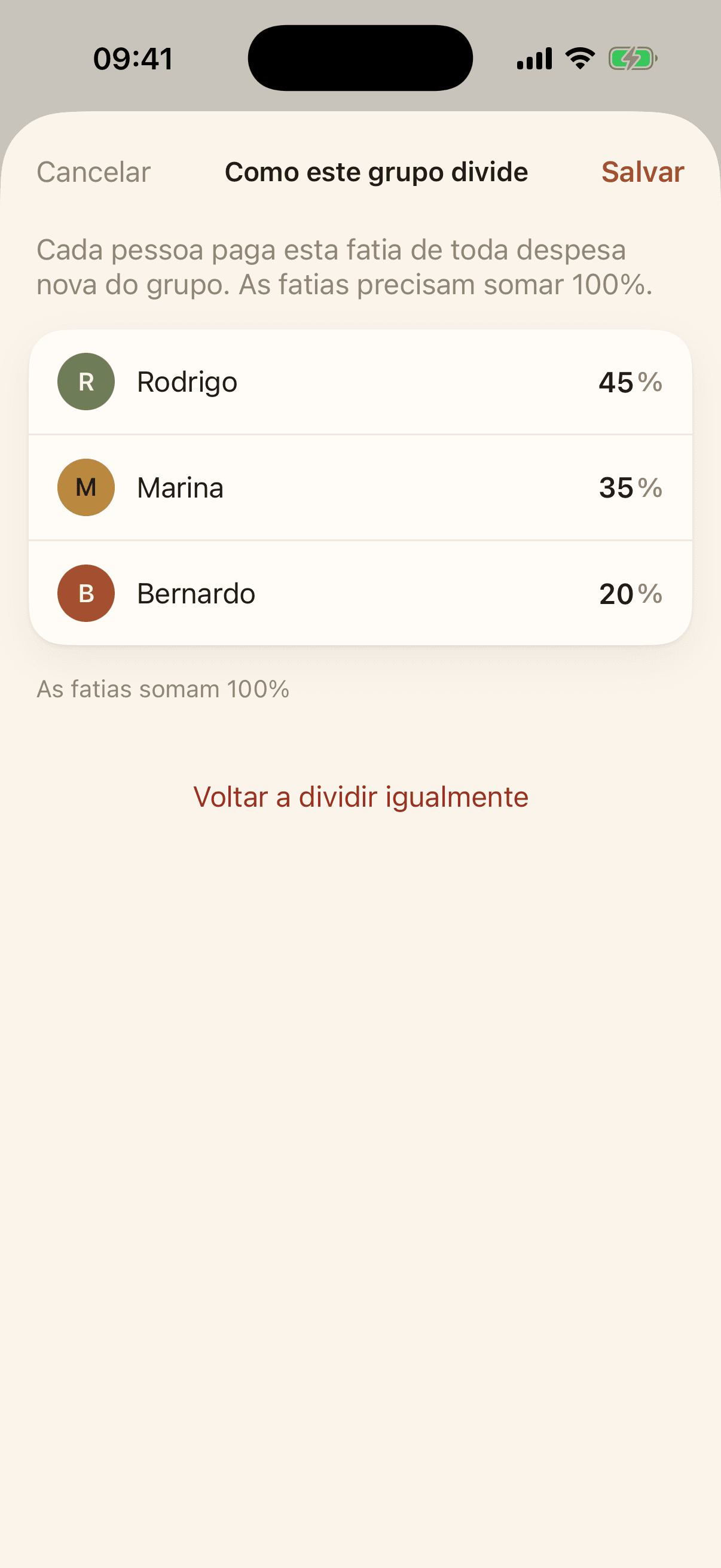
When one salary is bigger than the other, many households prefer that whoever earns more pays a bigger share. The group stores that proportion as a percentage, and every new expense opens with it.
A specific expense can be split another way without touching the group's rule.
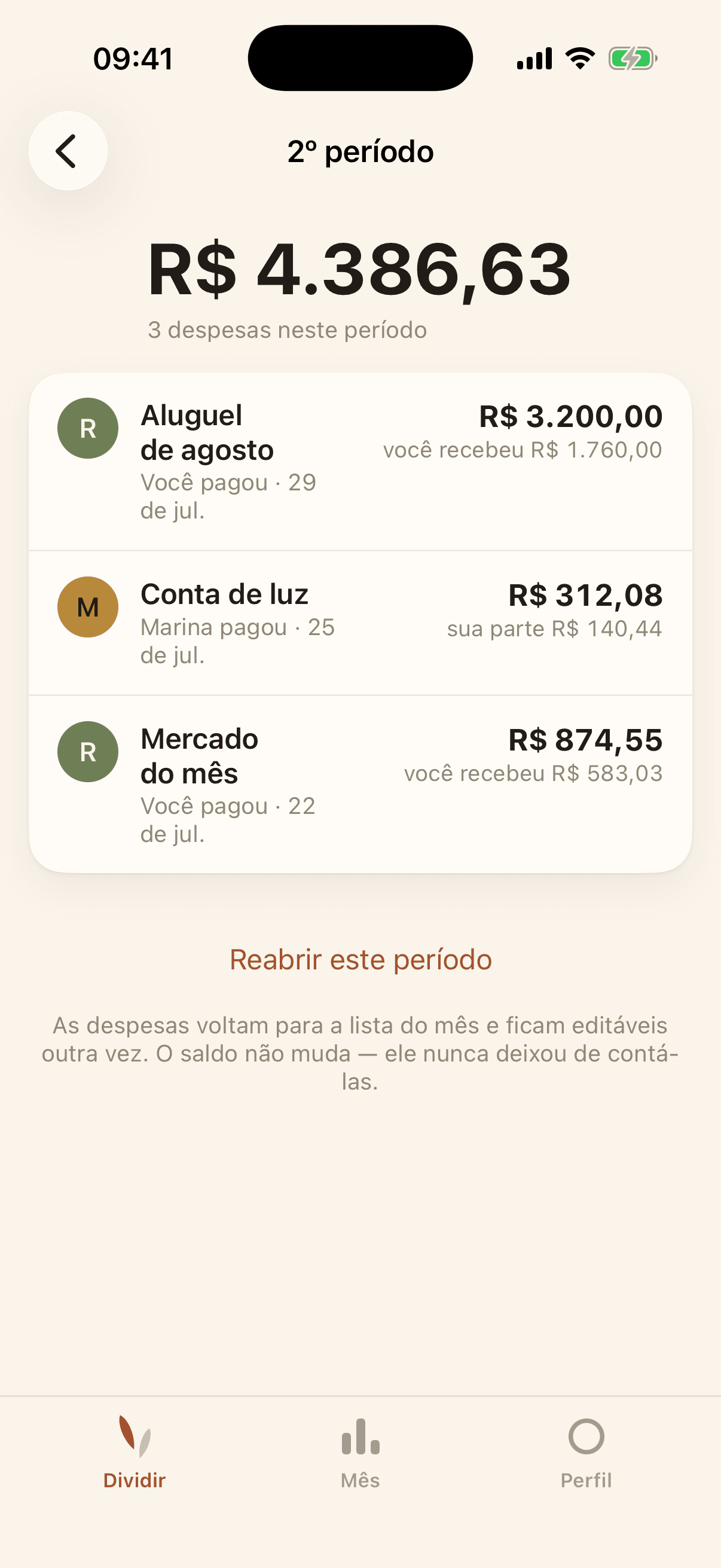
When a settlement brings the group to zero, that month's expenses move to Closed periods and the list starts over empty. They stay in the app and can be looked up at any time.
To fix something in a month that was already paid, just reopen the period.
The Activity tab records who added, changed or deleted each expense, and who joined the group. If an expense is edited, the old line still shows what it used to be.
Nobody can erase the history, not even whoever created the group.