How to join a group I was invited to
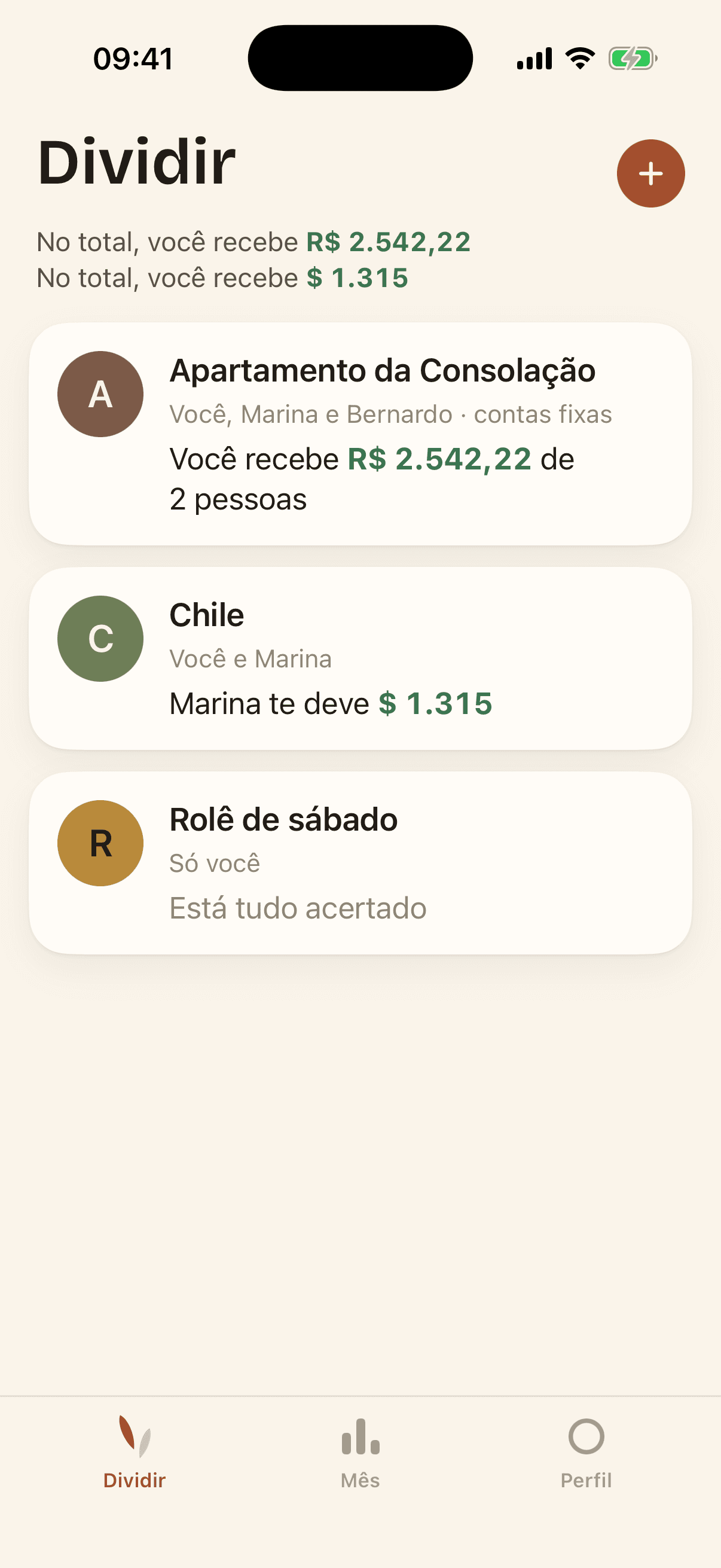
Ask whoever created the group for the six-letter code. In the Split tab, tap the button next to the +, then type the code and your name.
If someone had already added you by name, type the same name: you take over that spot, along with the expenses already split with you. Type something different and you join as a second person.